New crews assume site check-in is one phone call. On most telecom sites it is three separate systems, run by three different companies, and any one of them can stop the day. Here is the map.
Login 1: the carrier
The company whose equipment you are touching — AT&T, Verizon, T-Mobile — runs its own access control. Verizon notably does it through its own app, which means access must be set up before the crew rolls, not in the parking lot. Carrier check-in is also where the certification package gets screened: the universal cert list plus carrier-specific items like T-Mobile's TT-1 coverage.
Login 2: the tower owner
The structure usually belongs to someone else entirely — Crown Castle, American Tower, SBA — and the owner runs its own access system with NOC notifications and climb authorizations. This is the login crews forget most, because it belongs to a company nobody on the crew is working for. No tower owner check-in means no authorized climb, regardless of what the carrier said.
Login 3: the GC / turf vendor
The general contractor or turf vendor holding the market keeps its own daily log — crew names, certs on file, JSA signed. This is the layer that physically meets you at the gate, and it enforces everything on the turn-away list: PPE completeness, the calibrated RF monitor, the signed JSA, the first aid kit.
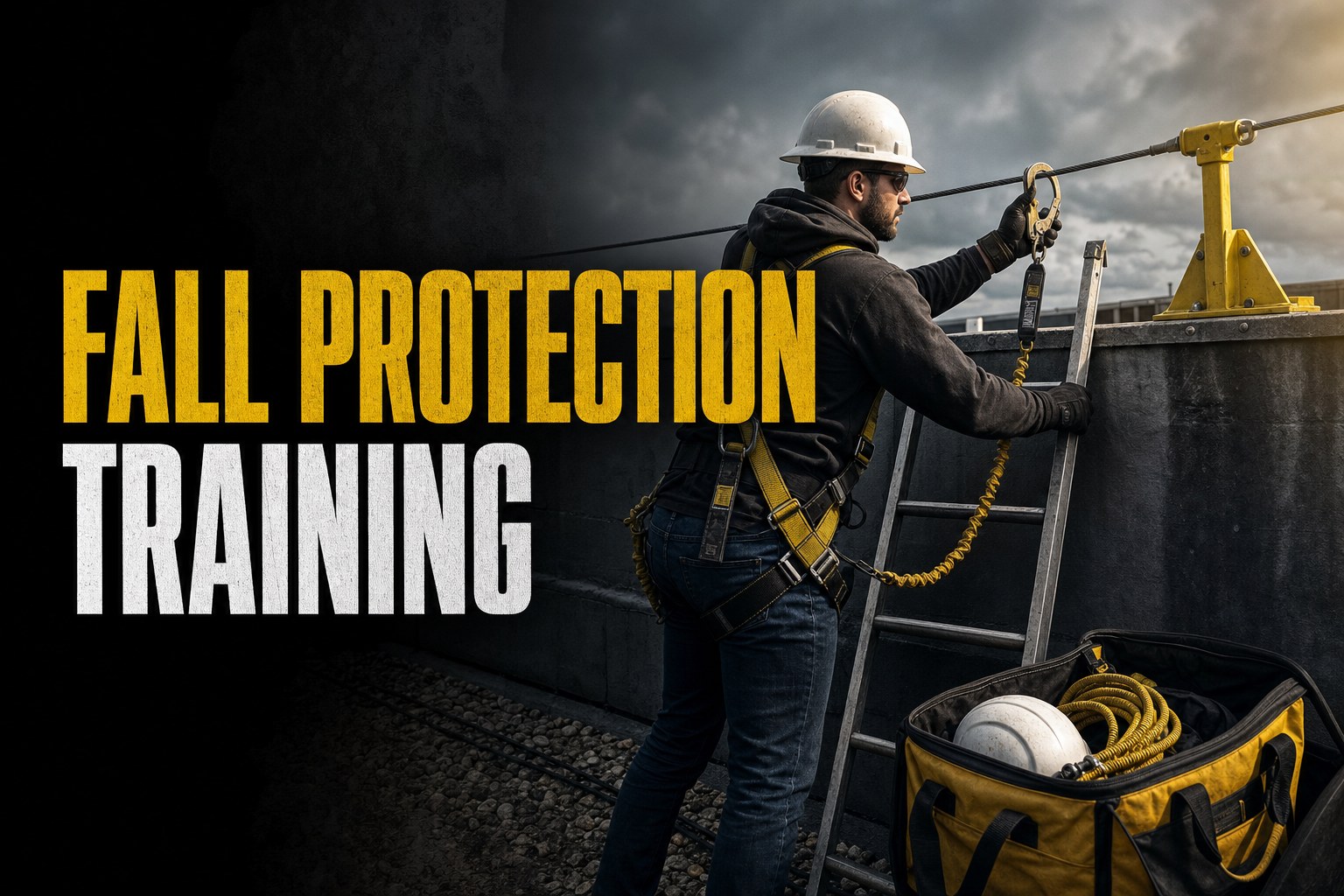
Recommended certification
Fall Protection Training
$30 · ~30 min online · certificate issued same day · valid 2 years
Also read: 9 Things That Get Tower Crews Turned Away at the Gate · Detroit Cell Site Battle: Why Clear Easements Matter for Tower Crews
The day-minus-one routine
The crews that never lose mornings run the same checklist the day before mobilization:
One link instead of a folder
The roster step is where online tooling saves real time: our team dashboard gives every crew a live certificate page with a QR code — the GC scans it, sees every worker's current cards with expiry status, and the paperwork conversation is over in a minute. Set it up once; it works at every gate.